Welcome!!!!!! to Nokia C2-03 forum..
Now get rid off from the problems that you all are facing with your nokia c2-03. Here i am to help you all. And dont hesitate to ask Question. I will try my best to provide the best solution to your problem.
Now no need of opening your PC and connecting your device with MobiMB to delete the Theme Preview/ Active files. Do it on your phone only by this Theme Preview Cleaner.
This might had been amazed as well as questioned you that how you can delete protected files from your Gallery directly from your C2-03/mobile i.e. without the use of Computer.
Merit of this trick:
You have to not open your Computer.
Easy and Fast method to delete.
No need of installing lots hectic softwares as in Computer.
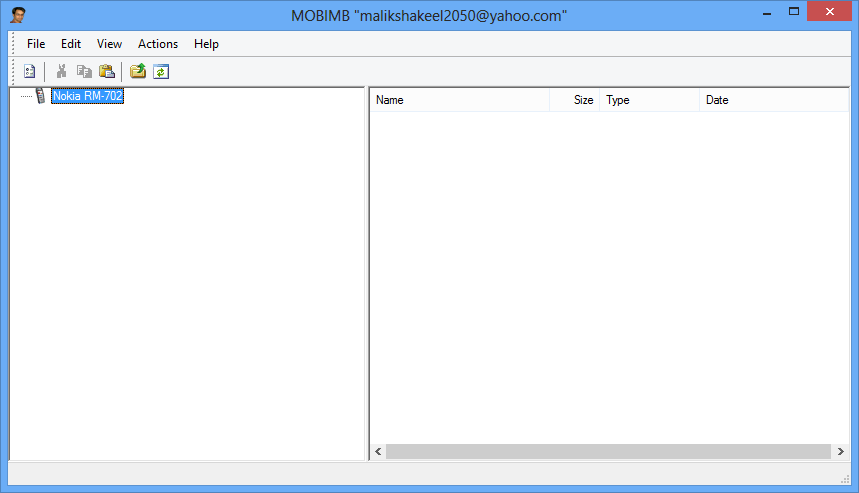
Hey, friends after getting a lots ERROR!! report of MobiMB { Basically RM-XXX Error!!! }. I had done lots of try on my PC to know that why you all were getting that ERROR!!! And finally, today i got that problem as well as the solution.
Might be many of you were thinking that why I had posted this silly thing on my blog as it was so easy to do but I saw that many were encountering problem with this. So, this post was specially for them. So, follow the steps provided below or simply watch the video.
The Nokia Video Converter Factory, the name of the software and the most good thing about this converter is that it is available for FREE and it's size is only 7.6 MB.